

Top 12 Online Coding Platforms for Kids (Ages 6-16): Features, Pricing, and What to Choose

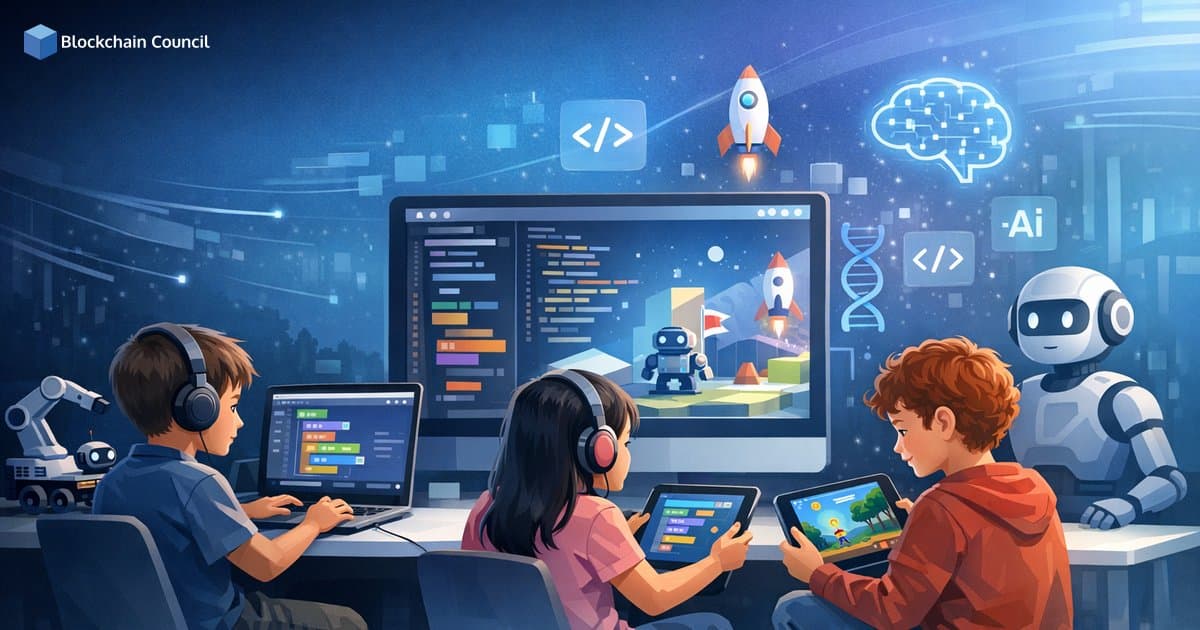
Online coding platforms for kids now cover everything from block-based storytelling to full browser IDEs for Python and web development. For ages 6-16, the best choice depends less on what is "most popular" and more on reading level, learning goals, and whether your child needs structured guidance or creative freedom. This guide compares 12 widely used platforms across key features, pricing models, and fit for different learners.
Why online coding platforms for kids matter
Coding education is closely tied to long-term digital literacy. The U.S. Bureau of Labor Statistics projects software developer employment will grow much faster than average over the coming decade, which helps explain why families and schools invest earlier in foundational skills like logic, problem solving, and debugging. Education agencies, including the U.S. Department of Education, also highlight early computer science access as part of broader STEM readiness.

Modern kids' platforms succeed when they combine:
Low-friction onboarding (blocks or puzzles for beginners)
Project-based outcomes (games, animations, apps, websites)
Progression from blocks to text-based languages
Safety and moderation, especially in sharing communities
What to consider before you choose
Use these criteria to evaluate online coding platforms for kids across home, school, and after-school settings:
Age and reading level: Pre-readers need icon-driven blocks, while teens can use text IDEs.
Goal: Exploration, skill-building, portfolio projects, or school curriculum alignment.
Learning format: Self-paced practice vs. guided lessons vs. classroom dashboards.
Device compatibility: Tablet-first apps vs. browser-first tools.
Cost and depth: Free platforms are strong for fundamentals; paid platforms may add structured progression.
Privacy and controls: Look for moderation, teacher tools, and age-appropriate sharing features.
Top 12 online coding platforms for kids (features and pricing)
1. ScratchJr (ages 5-7)
Best for: Early learners who are still developing reading and typing skills.
Format: Icon-based block coding for stories and simple animations
Strength: Removes reading barriers while teaching sequencing and cause-and-effect thinking
Pricing: Free
ScratchJr is widely recommended for kindergarten and early elementary entry into computational thinking. It was developed through the Scratch ecosystem with support from MIT Media Lab.
2. Scratch (ages 8-16)
Best for: The most versatile free creative platform for beginners through early teens.
Format: Visual block programming with a large project-sharing community
Strength: Immediate visual feedback (games, animations, music) plus remixable projects
Teacher resources: Classroom tools and learning materials
Pricing: Free
Scratch is a global standard for introductory coding. The Scratch Foundation reports millions of registered users and shared projects, making it one of the largest kid-focused coding communities available.
3. Code.org (ages 6-18)
Best for: Schools and families who want structured, guided computer science pathways.
Format: Guided courses, Hour of Code activities, and classroom management tools
Skills: CS foundations, block coding, and introductory Python options
Strength: Easy to deploy at scale without licensing costs
Pricing: Free for most learner and teacher content
Code.org is among the most widely adopted K-12 CS education platforms. It is frequently cited in discussions on expanding access because it supports teachers as well as students.
4. Tynker (ages 6-14)
Best for: Kids motivated by missions, rewards, and game-like progression.
Format: Gamified lessons and creative coding experiences
Progression: Blocks to Python and JavaScript
Pricing: Freemium with paid subscriptions
Tynker is often used as a bridge from playful blocks to real-world languages while keeping the experience engaging for younger learners.
5. CodeMonkey (ages 5-14)
Best for: Puzzle and mission-driven learners transitioning toward text syntax.
Format: Game-based challenges with structured learning paths
Languages: Block coding, then CoffeeScript and Python in later stages
Tools: Teacher and student dashboards
Pricing: Paid subscriptions, often with trials or limited free access
6. Kodable (ages 4-11)
Best for: Early elementary foundations with visual clarity and reinforced repetition.
Skills: Sequencing, loops, conditionals, debugging
Format: Device-friendly app-based learning for young beginners
Pricing: Freemium with premium plans
7. Lightbot (ages 6-13)
Best for: Logic-focused learners who enjoy puzzles more than open-ended creation.
Skills: Procedures, loops, debugging, algorithmic thinking
Format: Minimalist puzzle app (not a full curriculum)
Pricing: Free and paid versions depending on platform
Lightbot works well as supplemental practice, particularly for building problem decomposition and step-by-step thinking skills.
8. Blockly Games (ages 7-14)
Best for: Quick, no-cost logic practice sessions that reinforce core concepts.
Format: Web-based educational puzzles built on Google's Blockly library
Skills: Loops, conditionals, functions, logic
Pricing: Free
9. Swift Playgrounds (ages 8-16)
Best for: Kids on iPad or Mac who want real text-based coding with structured guidance.
Language: Swift
Format: Interactive lessons and app-building fundamentals
Pricing: Free
Swift Playgrounds provides a credible on-ramp to iOS app development concepts without requiring professional tools like Xcode.
10. Hopscotch (ages 8-14)
Best for: Creative learners who want to build games, animations, and interactive stories quickly.
Format: Mobile-friendly creative coding with community sharing
Strength: Encourages experimentation and project-based learning
Pricing: Freemium
11. Roblox Studio (ages 9-16)
Best for: Students interested in 3D game development within a highly motivating creator ecosystem.
Skills: 3D design, game logic, multiplayer concepts
Language: Lua scripting
Pricing: Free to use
Roblox Studio is a compelling choice because many kids already play Roblox. The platform reported 97.8 million daily active users in Q1 2024, highlighting the scale of the ecosystem available to young creators. (Note: verify the most current DAU figures from Roblox's official quarterly reports before publishing, as this metric changes frequently.)
12. Replit (ages 12-16)
Best for: Teens ready for a real development environment and portfolio-quality projects.
Format: Browser-based cloud IDE with collaboration features
Languages: Python, JavaScript, HTML/CSS, and more
AI features: AI-assisted coding tools available on some plans
Pricing: Free tier and paid plans
Replit is not designed specifically for children like Scratch, but it offers a strong step toward authentic development workflows, including running scripts, building web apps, and collaborating in real time.
How to choose the right platform
Pick by age band
Ages 6-7: ScratchJr, Kodable, Lightbot (gentle entry, minimal typing required)
Ages 8-11: Scratch, Code.org, Tynker, Hopscotch (projects plus guided lessons)
Ages 12-16: Replit, Roblox Studio, Swift Playgrounds, Scratch (text coding and portfolio paths)
Pick by learning goal
Exploration and confidence: ScratchJr, Scratch, Hopscotch
Structured curriculum: Code.org, CodeMonkey, Tynker
Logic drills and debugging habits: Lightbot, Blockly Games
Real-world languages and tools: Swift Playgrounds, Replit, Roblox Studio
Pick by environment (home vs. school)
Elementary classroom: ScratchJr, Scratch, Code.org for group projects and teacher resources
Homeschool: Kodable, Scratch, CodeMonkey, Tynker for self-paced progression
After-school programs: Tynker, CodeMonkey, Roblox Studio for short-term engagement with visible outcomes
Trends shaping online coding platforms for kids
Faster transition from blocks to text
More platforms now introduce typed languages earlier, often by using blocks first and then gradually revealing syntax. This reduces the difficulty kids face when moving from drag-and-drop interfaces to a blank text editor.
AI-assisted hints are increasing
Some platforms include AI hints or debugging assistance. The most educational implementations support learning by explaining errors and suggesting next steps, rather than completing tasks on behalf of the student.
Safety and moderation as a core requirement
Platforms with sharing and community features should be evaluated for privacy controls, moderated interaction, and age-appropriate publishing settings. This matters for families and is often a procurement requirement for schools.
Learning pathway: blocks to real projects
Start: ScratchJr or Kodable to learn sequencing and basic logic.
Build: Scratch and Code.org for projects, loops, conditionals, and debugging.
Specialize: Roblox Studio for 3D games or Swift Playgrounds for app fundamentals.
Graduate: Replit to build web apps, scripts, and portfolio projects in real languages.
Conclusion
The best online coding platforms for kids are the ones that match a child's development stage and keep them building things. For ages 6-16, ScratchJr and Scratch remain the strongest free creative entry points, Code.org stands out for structured classroom-ready curriculum, and platforms like Roblox Studio, Swift Playgrounds, and Replit support more authentic project development as kids move into text-based coding.
For learners who want to connect these foundational skills to future-ready pathways in AI, blockchain, and cybersecurity, Blockchain Council offers beginner-friendly programming certification tracks and AI fundamentals learning paths designed to build practical, job-relevant literacy.
Related Articles
View All
Ai For Kids
Future Skills for Kids: A Roadmap to Learn Coding, AI, and Cybersecurity Online by Age Group
A practical age-based roadmap to teach kids coding, AI literacy, and cybersecurity online, from early digital awareness to teen-level projects and safe habits.

Ai For Kids
Online Learning for Kids With ADHD: Strategies, Tools, and Course Formats That Work
Online learning for kids with ADHD works best with routines, short interactive lessons, executive-function tools, and school accommodations. Learn what formats help most.

Ai For Kids
How Parents Can Measure Real Progress in Online Learning for Kids: Skills, Portfolios, and Certifications
Learn how parents can measure real progress in online learning for kids using skill mastery, digital portfolios, and age-appropriate certifications, not just grades or screen time.
Trending Articles
The Role of Blockchain in Ethical AI Development
How blockchain technology is being used to promote transparency and accountability in artificial intelligence systems.

Top 5 DeFi Platforms
Explore the leading decentralized finance platforms and what makes each one unique in the evolving DeFi landscape.
What is AWS? A Beginner's Guide to Cloud Computing
Everything you need to know about Amazon Web Services, cloud computing fundamentals, and career opportunities.